USB extended storage can keep games ready to copy back without a fresh download. The difference to remember: a compatible PS4 game can run from the USB drive, but a PS5 game cannot.
Check the drive before connecting it
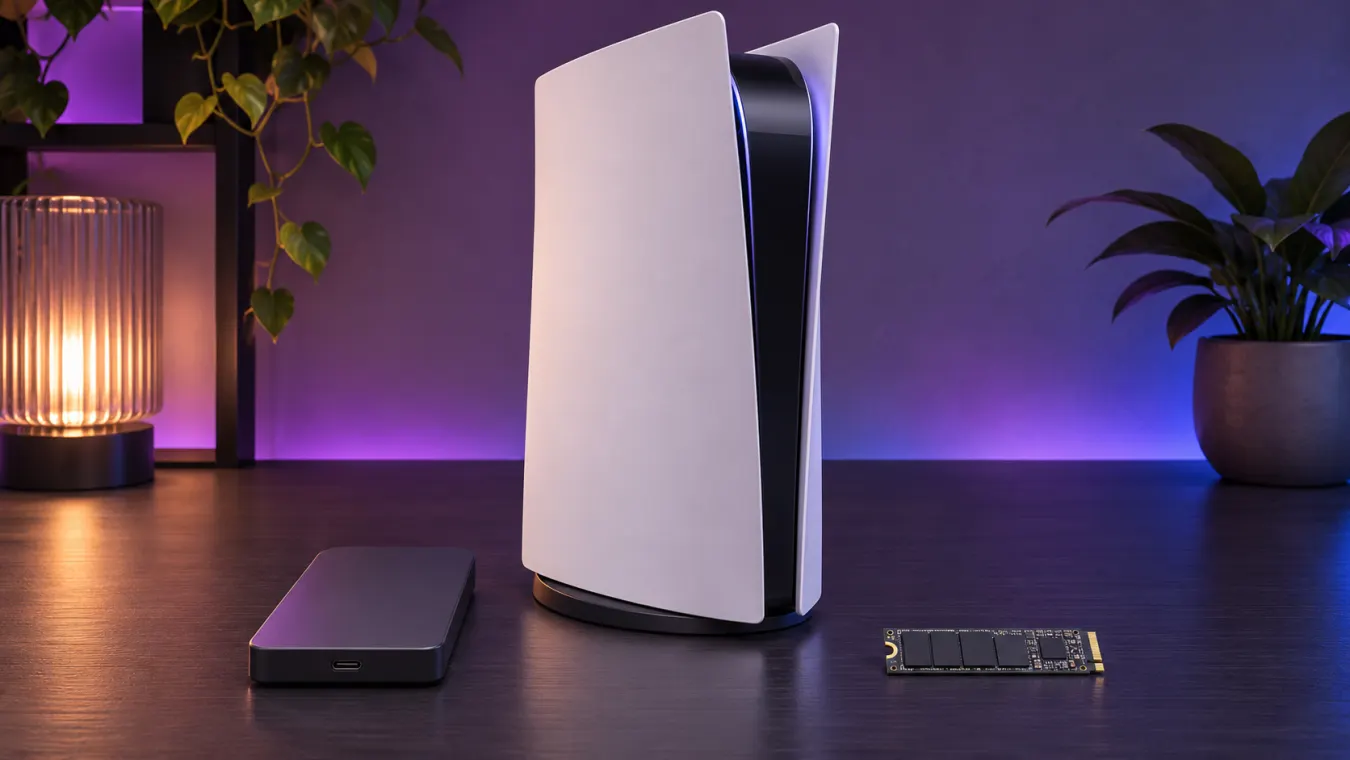
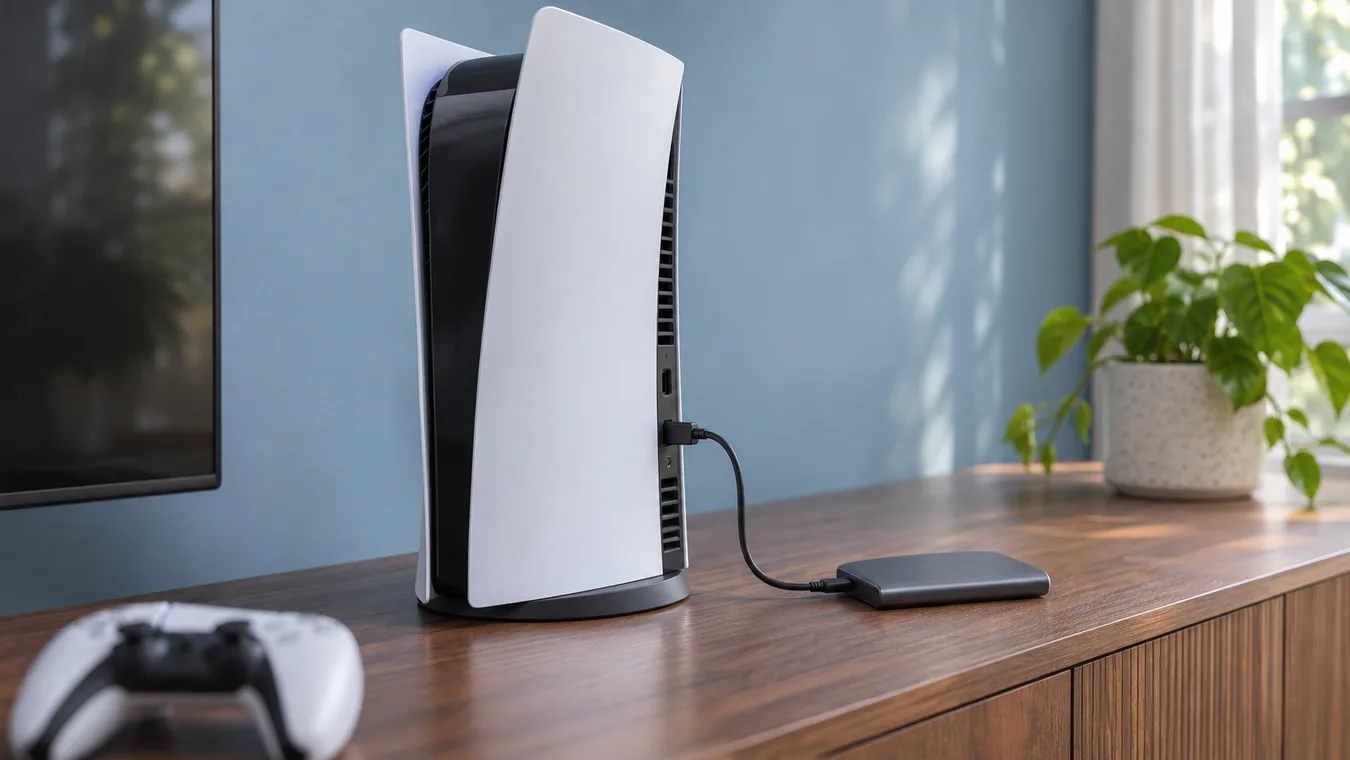
PlayStation specifies SuperSpeed USB at 5 Gbps or faster, from 250 GB to 8 TB. Not every model works. Use a suitable port directly on the console, not a hub. If the drive contains files you need or you cannot identify it confidently, stop. Formatting erases the drive. A drive already used as compatible PlayStation extended storage normally does not need to be formatted again.
Move one idle game first
Use the official PlayStation USB storage guide for port and setup details. After the console recognizes the drive as extended storage, choose one idle installation in the game library and use the move option. Check that the title is listed under the USB drive and that free space in console storage increased. Do not change anything in Saved Data.
Test the return trip before relying on the drive
For a PS5 title, make room on console storage, select the game in the library and copy it back before launching. For a compatible PS4 title, try launching it with the drive connected. One successful test is more useful than moving your entire library at once. If you do not yet know what is taking up space, see our PS5 storage checklist.