A character walks on its own, the camera keeps turning, or a menu moves after you release the stick. That is the sort of symptom people call stick drift. One unexpected movement is not enough to diagnose a controller. Test it on a compatible console with the owner's permission, then repeat the same action so you have something to compare.
Start with a clean test
Check that the controller is compatible and connected as its manufacturer recommends. Look for obvious damage or a removable cover touching the stick; ask before removing anything, and don't open the controller. If the device offers an official input or calibration screen, use it to observe first, without changing its settings. Otherwise, load a familiar game into a quiet spot where the camera or character normally stays still.
Let the stick return to rest
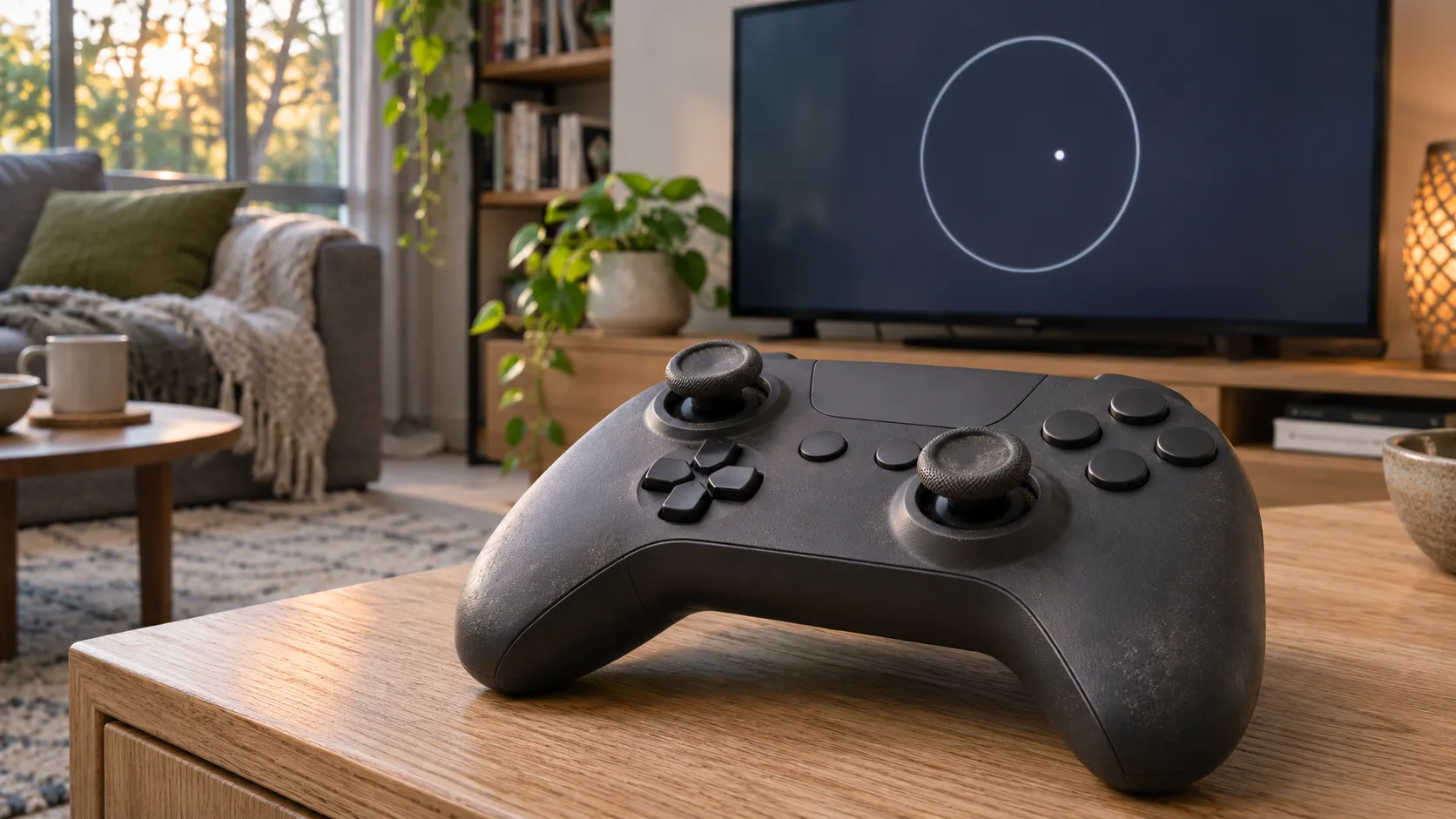
In the input display, look for repeated off-center activity at rest, not a one-off tiny dot movement. In a game, keep your hands off the sticks for several seconds and watch for unwanted movement. Then gently move one stick in a few directions and release it. Repeat on the other stick and note where the symptom happens: the left stick after moving right, for example. Avoid scenes with automatic camera motion.
Compare before blaming the controller
Keep the setup unchanged and try a second game or a known-good compatible controller. If only one game shows the movement, check for motion controls or customized sensitivity or dead zone. A dead zone is the range of small input a game ignores. Write down the existing settings and ask before changing them. Repeated unwanted movement across tests with just the suspect controller is more meaningful; it does not identify the underlying fault or guarantee a fix.
Decide what you can verify before the handoff
Write down the controller, console and tests that showed the movement. If you are buying, ask the seller what test or return options they actually offer. If you are borrowing, tell the owner what you saw before taking it home. A brief pass does not rule out an intermittent issue. If you want to calibrate or arrange service, follow the maker’s instructions for that particular model rather than assuming one control menu or warranty applies to all.